Many agencies begin the process of establishing local visibility for a new business location by creating a Google Business Profile (GBP). At Advice Local, we recommend that our agency partners and local marketers start by creating business listings for the new location. We have found that a Google Business Profile performs best when it’s backed by accurate business information, a dedicated location page, and a local presence already built across the web.
![Epic Guide to Local SEO Download [ad]](https://www.advicelocal.com/blog/wp-content/uploads/2018/04/epic-guide-local-SEO-download-cta.png)
Four Foundational Steps for Setting Up New Business Locations for Local Visibility Success
As you well know, trust is everything, and so is authority when it comes to attracting search engines, answer engines and consumers. To get the most local visibility possible for a new business, you need to build a strong foundation. Here’s a step-by-step process for building that foundation.
1. Establish Accurate Business Listing Information for the New Location
Before going any further, agencies and clients should agree on one approved set of business location information before publishing anything. Small differences in business data might seem negligible, but errors like these harm credibility with customers and search engines. The official business name, street address and phone number (NAP) are key elements and should be consistent wherever business information appears.
Beyond basic NAP information, agencies should also confirm business hours, primary and secondary categories, services, website URLs and other location-specific information. Getting these right is particularly important for anything that may differ from other locations, such as service areas or departments. With a single set of approved details in place, agencies have one reference point for the website, listings, maps and GBP.
2. Create a Dedicated Location Page for the New Business
Every new business location should have its own dedicated location page on the company website, rather than relying on a single page with multiple locations showcased, or a “contact us” page. Along with the approved NAP and service details, the location page can feature local details such as a map, directions, and nearby cities served. The content for the page itself should include what’s actually true of the new location, without reusing the same brand language across every branch.
While the location page should stand on its own, the copy should still make it clear that it belongs to the wider brand. Internal linking to relevant service pages and other location pages is effective here, in part to make sure the page doesn’t become an isolated landing page. Once the location page is live, use it as the website URL for that location’s listings and GBP, instead of directing traffic to the homepage.
3. Start Listing Management Before Creating the GBP
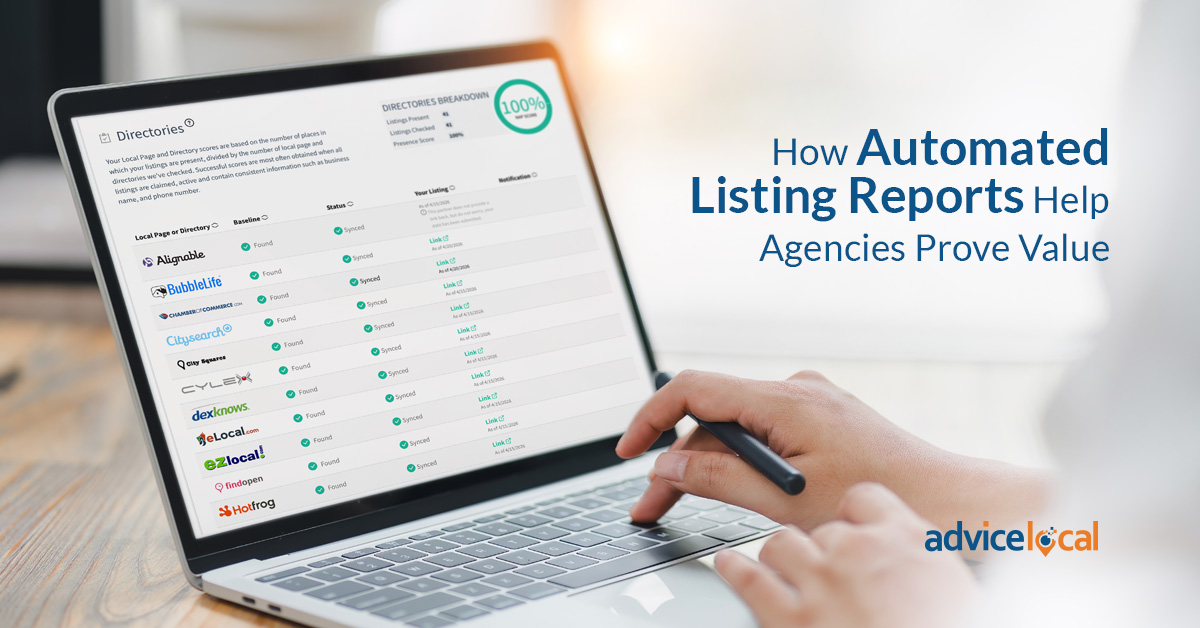
It’s a good idea to begin with business listing distribution before creating the Google Business Profile. With the approved business information, use a listing management service like Advice Local to distribute data across directories, map services, navigation platforms, data aggregators and search platforms like Google and Bing. Quality over quantity matters with listing distribution, so stick to reputable and relevant platforms.
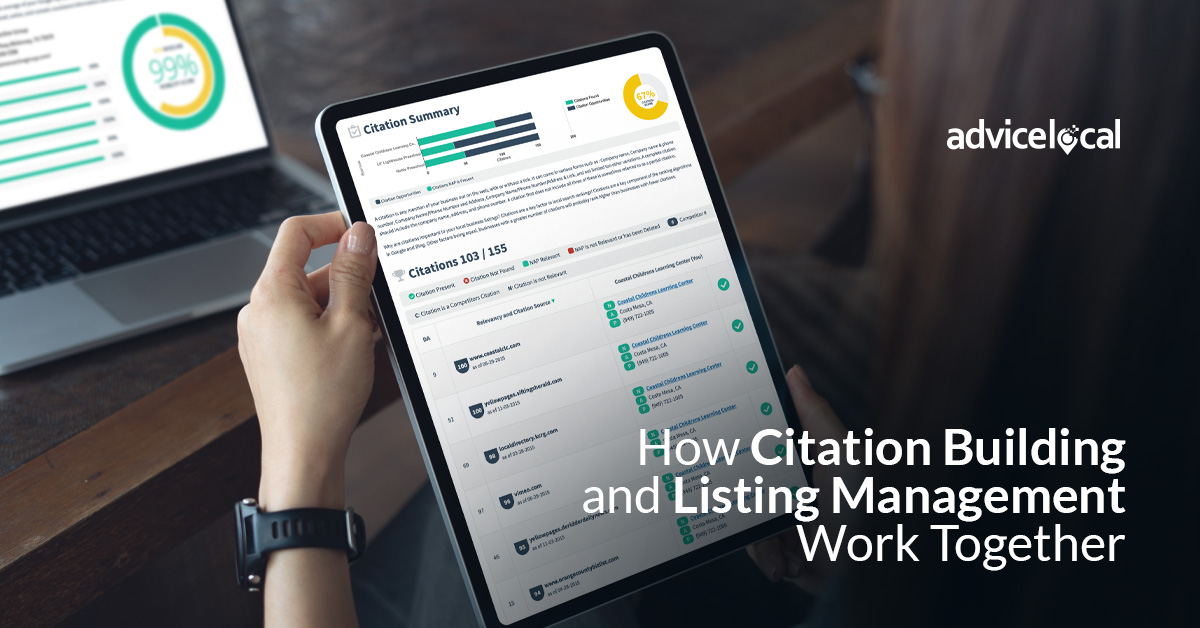
By distributing to a data network early-on in the process, you build a public record for the location that previously had little or no online presence. This creates a data footprint, and can also help prevent confusion with former businesses that were located at the same address. Citations help Google validate business information, and an established footprint gives Google more public data to reference once a GBP is created for the new location.
4. Create the Google Business Profile for the New Location
With a foundation in place you can move on to creating a GBP using the same approved data used elsewhere. Everything should match the new public data footprint that exists for the location, which Google may consider when evaluating profile verification and local search rankings. Base every field on what’s true for this particular new location (not what’s true for another branch and its profile), and confirm the location meets Google’s eligibility requirements.
Once the core details are set, the profile still needs the elements that make it functional for someone finding the location, such as the description, services, attributes and photos. It’s the synergy of the location page, listings and GBP that adds up to real local visibility.
With the foundation for the new business location in place, you can now expand into other local marketing activities to build trust with search engines and answer engines alike. Advice Local’s Enhanced GBP Tools make it easier for agencies managing multiple locations to keep that data in sync.
Build Local Visibility With Smart Citation Tools
Advice Local develops listing management and citation tools for digital agencies and local marketers. Our dashboard solution lets you claim, create and optimize business listings for new and growing business locations. Call (214) 310-1356 or request a demo today.