Developing a comprehensive plan is required before listing business information online. That’s how Advice Local can help! We offer total local business management services to help agencies and local marketers better serve their customers. Through our partner dashboard, you can submit your client’s local business data to top directories similar to Company.com. This will ensure the right audience can easily and quickly discover a business.

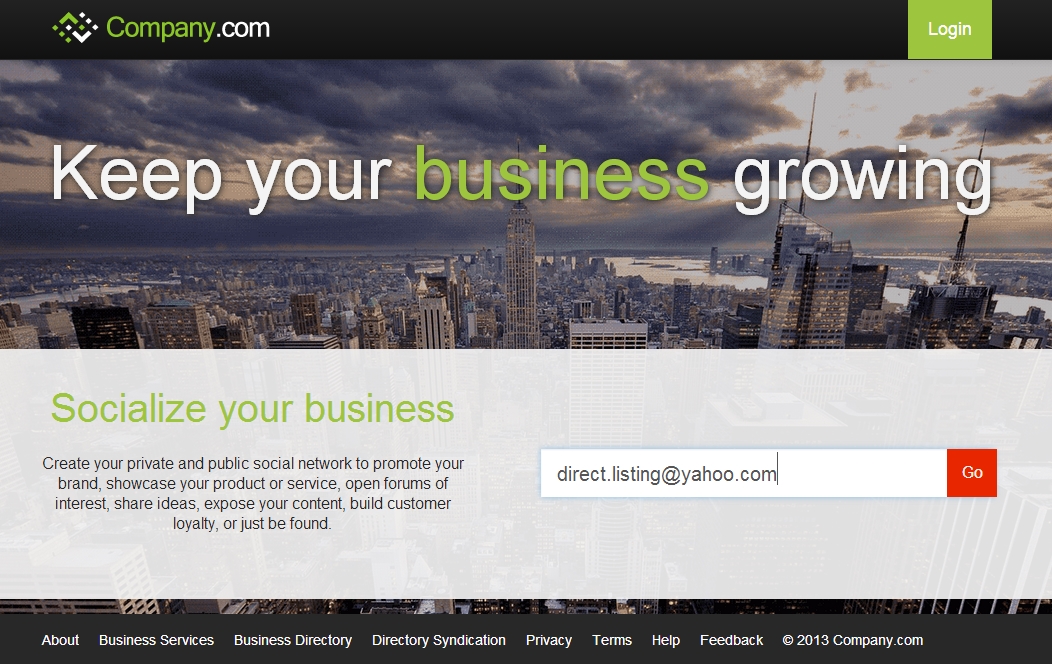
- Click on the above link.
- Enter your email into the field provided as per below screen shot and click “Go”
- The next screen will require you to fill in you full name, email address (should have automatically populated), a password, and a captcha. Click create account when done.
- At this point you will need to check your email for a confirmation email. You may have to wait a few minutes, it also advised to check your spam/junk mail. If the confirmation email does not show, you can request it again by clicking where indicated.
- Once your email arrives, click the link provided to confirm your email address.
- A privacy policy page will pop up, click to accept their terms.
- On the following page, click the orange link to the right hand side that says “My Business Profile.”
- The following page will require information to do a search on your listing. Enter the relevant information and continue.
- If you haven’t listed your business before, chances are nothing will show. If nothing does show for your business, click “Fix”.
- Package options to choose from will appear on the next page. For the purpose of this “how to” we are selecting the free package.
- The following page allows you to enter such information as web link, categories, description, products, services, brands, operating hours, year founded, a photo link, and a video link. Enter information you wish to be displayed, then click “Submit Profile for Syndication.”
- Once completed, click the icon at the top right of the page. A drop down box appears, click on your profile.
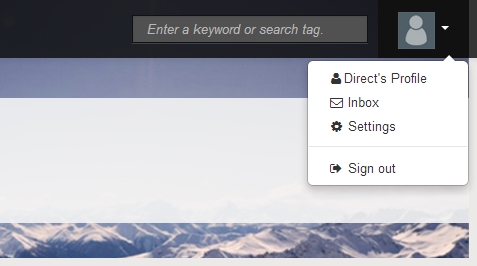
- The profile page lets you add even more information. Click on “edit” next to each section you wish to add information to.
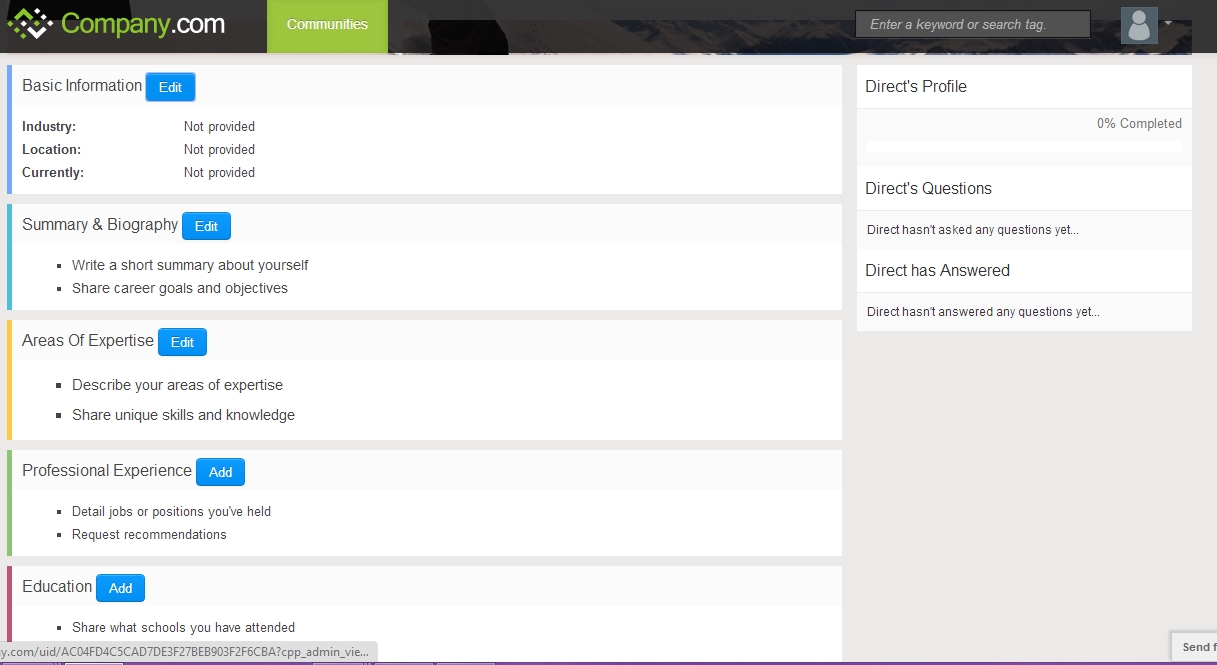
- You can log in at anytime to edit the business information.